


Dell EMC PowerEdge Servers
R640, T330 and M420. You probably know how Dell EMC uses letters and numbers to name its PowerEdge server models. If not, we highly recommend you to read this article to understand these naming conventions and which generation the servers belong to.
Starting in 2007, when Dell EMC introduced the first wave of their 10th generation PowerEdge servers, the multinational tech industry giant began changing the naming for its future server models. The names are now made up of one letter followed by a three-digit number—and that's not just a coincidence.
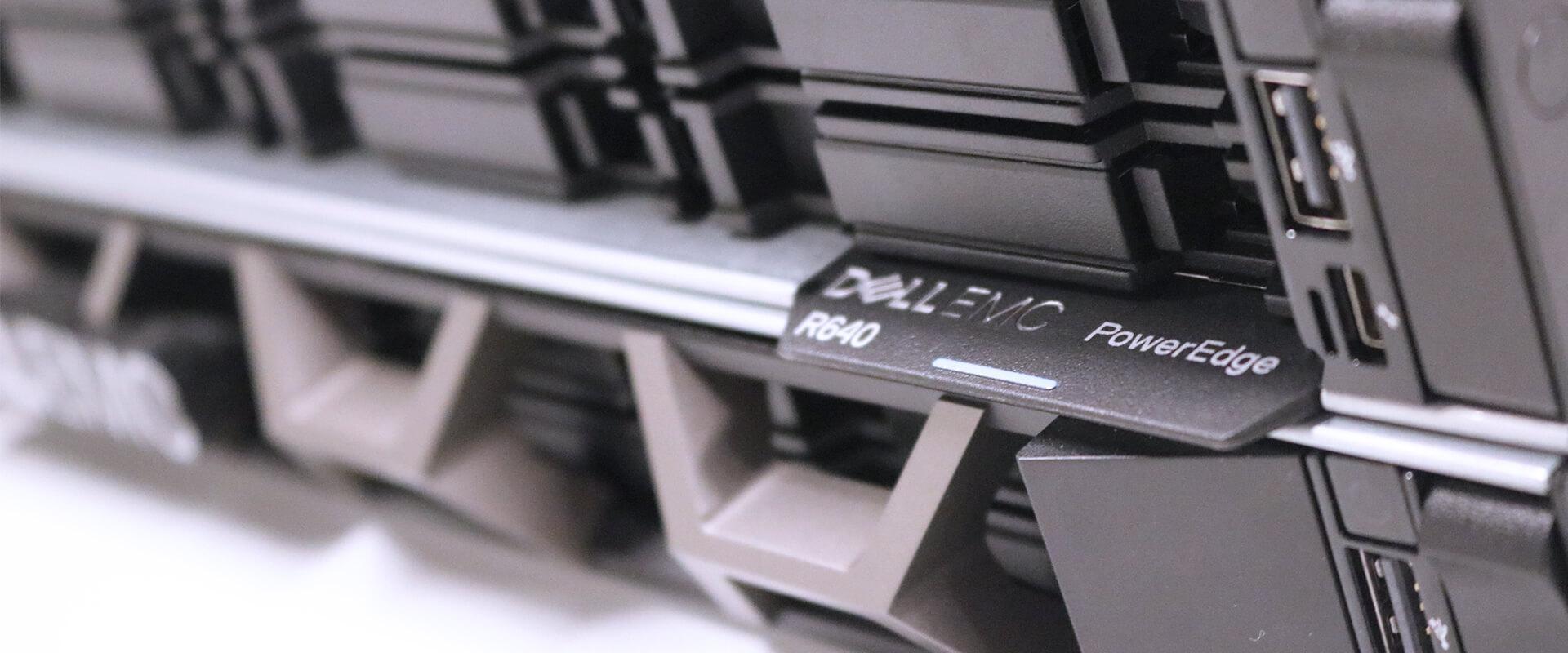
To be able to fully understand how Dell EMC is naming their servers, we first need to clarify the first part of the name code, a letter, which is a simple abbreviation of the server type. Take for example the R640 model:
M: Modular — Traditional blade servers that combine compute, storage, networking and management into a single optimized chassis.
R: Rack — Rack-mounted servers that contain multiple drive bays for large storage capacity.
T: Tower — Stand-alone servers built in an upright cabinet.
So far, so good. Now that we understand the letters, it's time to dig into the three-digit number, which can be a bit more tricky.
Let's start looking at the first digit of the R640 model which tells us the number of sockets, or CPU's, that the server supports:
1 to 3 is a single-socket server.
4 to 7 is a dual-socket server.
8 is either a dual- or four-socket server.
9 is a four-socket server.
The second digit of R640 refers to the server generation:
0 = 10th generation
1 = 11th generation
2 = 12th generation
3 = 13th generation
4 = 14th generation
The third and last digit of R640 indicates the CPU manufacturer:
0 = Intel
5 = AMD
Now that we've covered all the elements of the three-number naming structure, we know that a R640 model is a rack-mountable, two-socket server of the 14th generation using Intel processors.
Quite simple, right?
The PowerEdge server line — an overview
The following table gives an overview of the PowerEdge Blade, Rack and Tower servers and helps you to identify which generation the server belongs to.
| Generation | 14th Gen | 13th Gen | 12th Gen | 11th Gen | 10th Gen |
| Models | FC640 M640 M640 (for PE VRTX) MX740c MX840c MX5016s |
FC430 FC630 FC830 FD332 FM120 M630 M630 (for PE VRTX) M830 M830 (for PE VRTX) |
M420 M520 M520 (for PE VRTX) M620 M620 (for PE VRTX) M820 M820 (for PE VRTX) |
M610 M610x M710 M710HD M910 M915 |
M600 M605 M805 M905 |
| Rack Models | R240 R340 R440 R540 R640 R6415 R740 R740xd R740xd2 R7415 R7425 R840 R940 R940xa |
R230 R330 R430 R530 R630 R730 R730xd R830 R930 |
R220 R320 R420 R420xr R520 R620 R720 R720xd R820 R920 |
R210 R210 II R310 R410 R415 R510 R515 R610 R710 R715 R810 R815 R910 |
R200 R300 R805 R900 R905 |
| Tower Models | T140 T340 T440 T640 |
T30 T130 T330 T430 T630 |
T20 T320 T420 T620 |
T110 T110 II T310 T410 T610 T710 |
T100 T105 T300 T605 |
For more information and advice about PowerEdge servers, please get in touch with our Dell EMC representatives.